MatSmartShop video tutorials
33 short, real screen recordings from the app. Pick a job and watch how it is done; most come with a written transcript.
Getting started
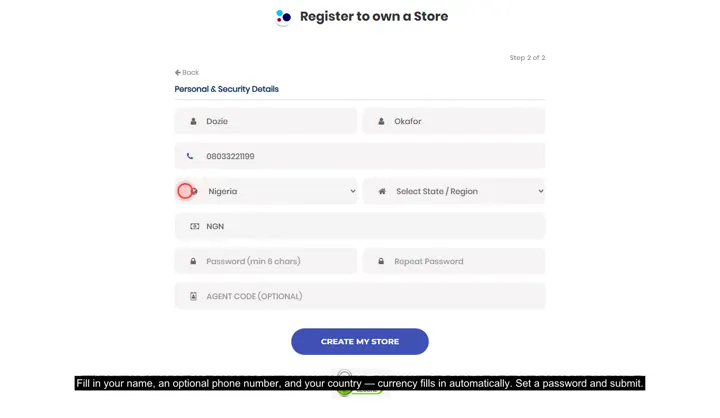
 Your first week on the web appFrom your verification email to your first sale, first storefront item and first follow-up.
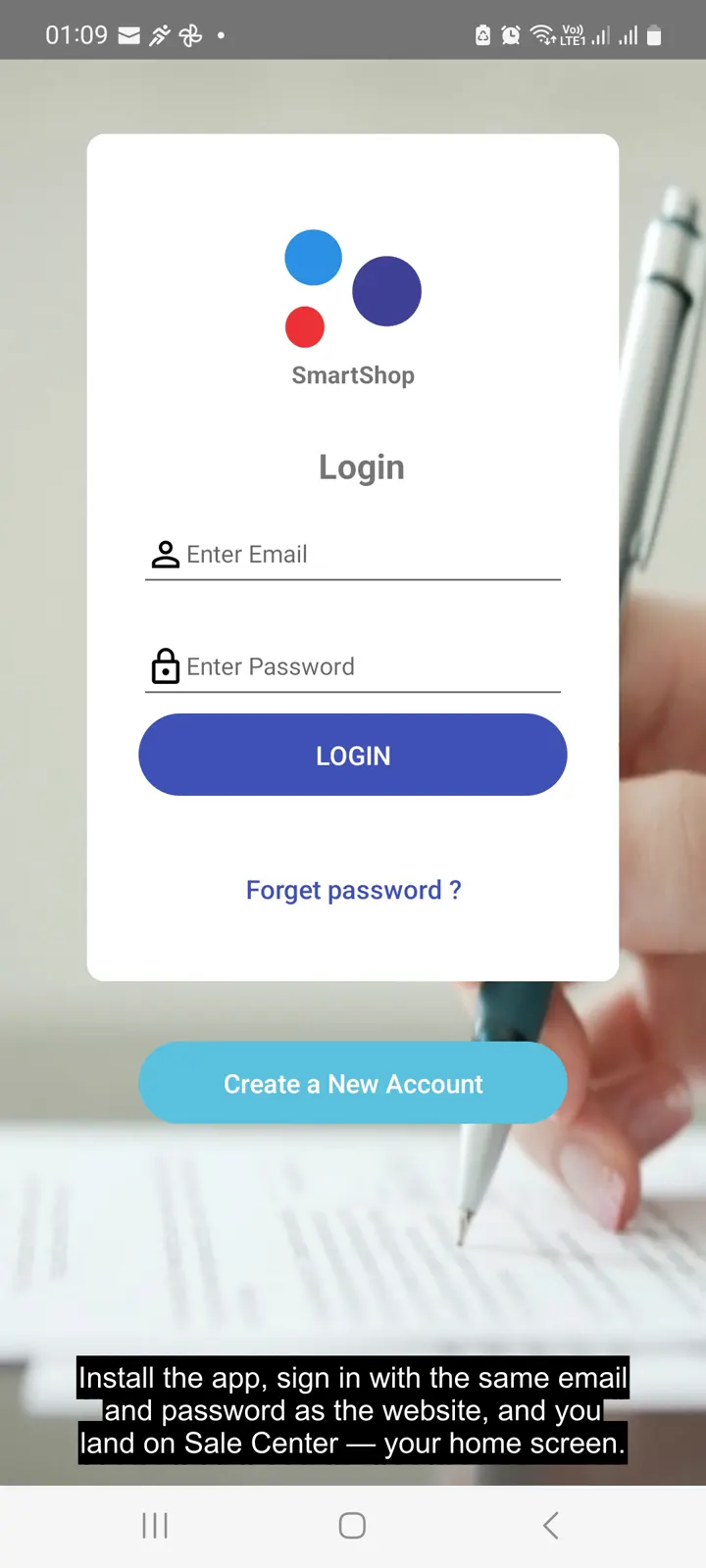 Your first week on the Android app3:38 · The same first-week walkthrough, run entirely from your phone.
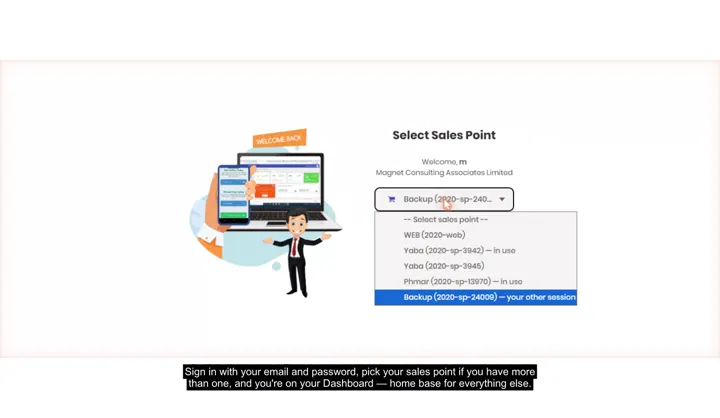
 Create your store, sign in, and pick a tillRegistering, the sales-point picker on login, and working across more than one store.
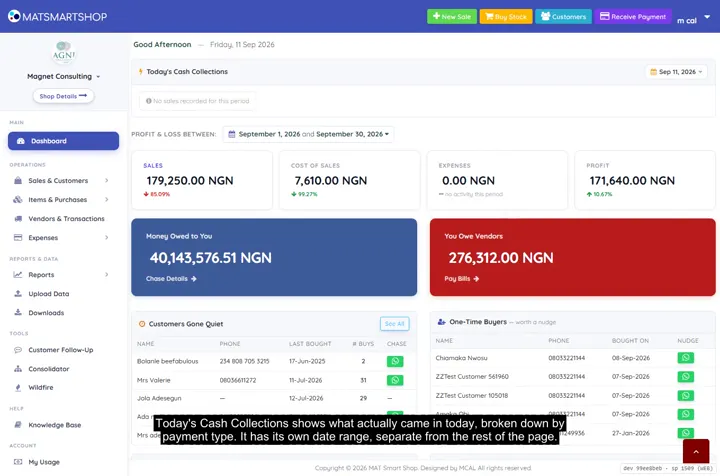 Tour your Dashboard2:09 · Every panel on the main Dashboard — cash collected, profit, who owes you and who you owe.
Sales & customers
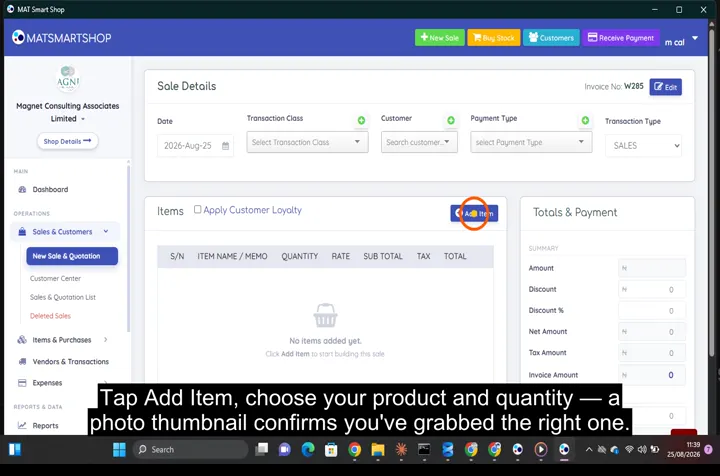 Ring up a sale and issue an invoice0:37 · Ringing up a sale end to end.
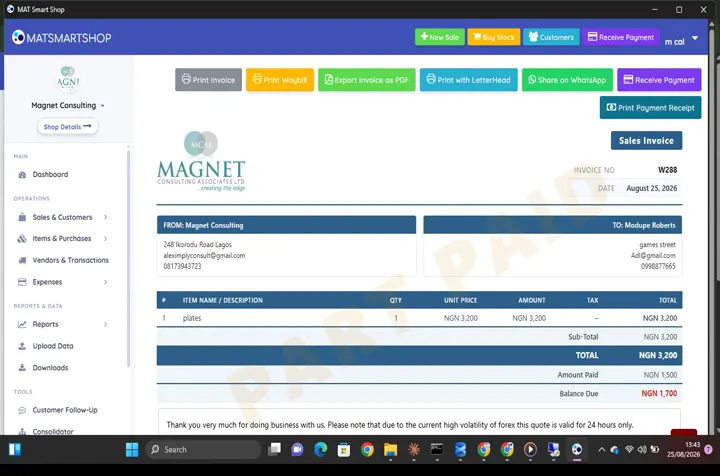 Receive a payment and show a customer what they owe0:34 · Recording a payment against an invoice and reading the customer's balance.
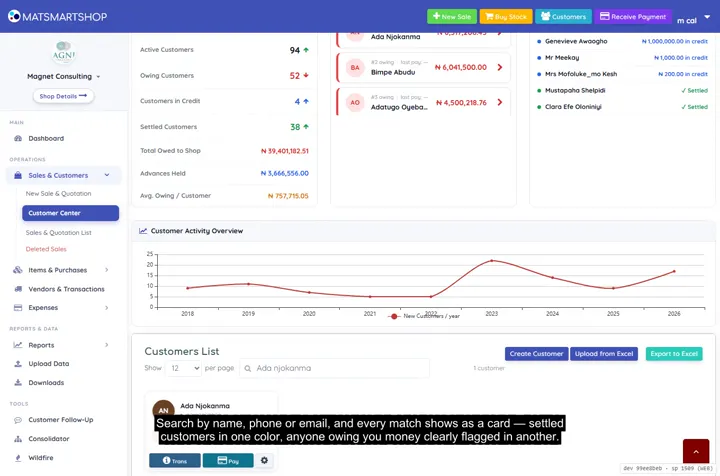 Customer Center: payments, receipts and statements2:08 · Searching customers, reading a profile, taking a payment with a printed receipt, and generating a statement.
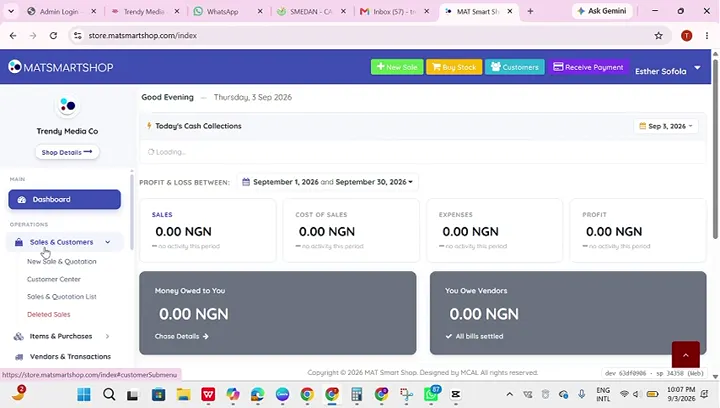 Add your first products and customersCreating a customer from scratch.
Stock & purchases
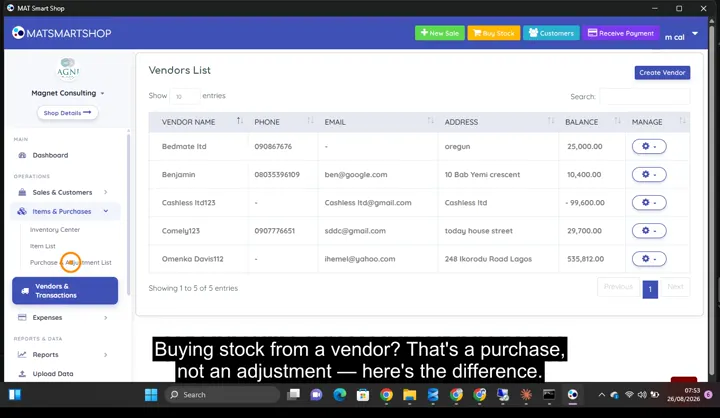 Record a purchase without wrecking your costs0:54 · Recording a purchase — vendor, quantity and cost in one entry.
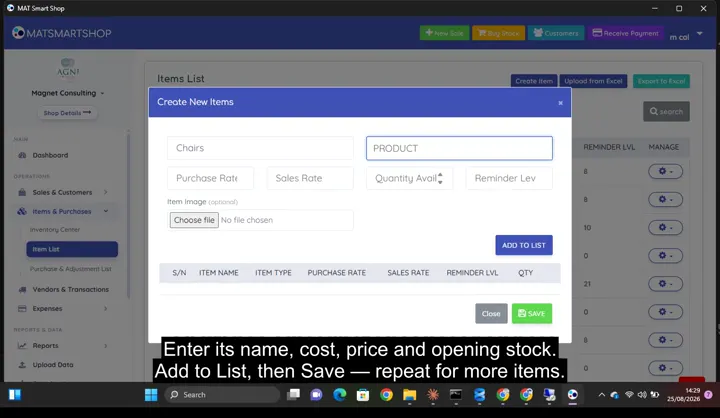 Add a product and track its stock0:50 · Creating an item, then its detail page: stock, value, reorder level and full stock history.
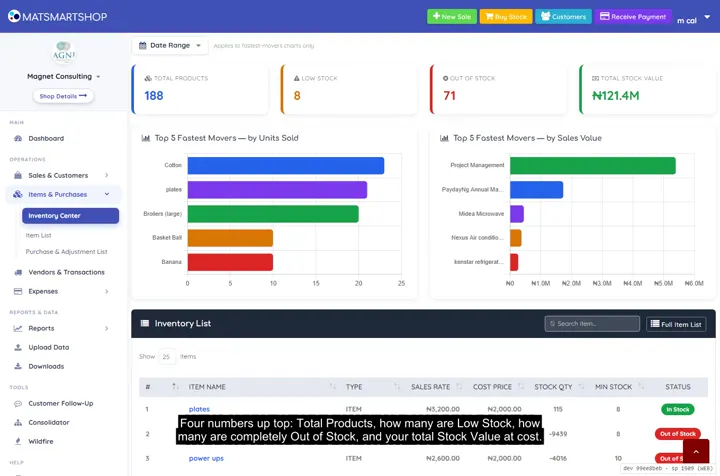 Inventory Center and Item Detail, in depth2:01 · Stat cards, fastest movers, searching the catalogue, and one item's full stock history.
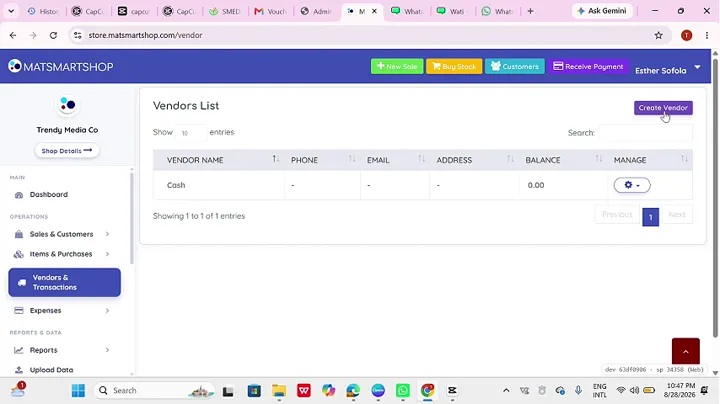 Track vendors and record expenses1:32 · Creating a vendor and recording a purchase against them.
Selling online & on the go
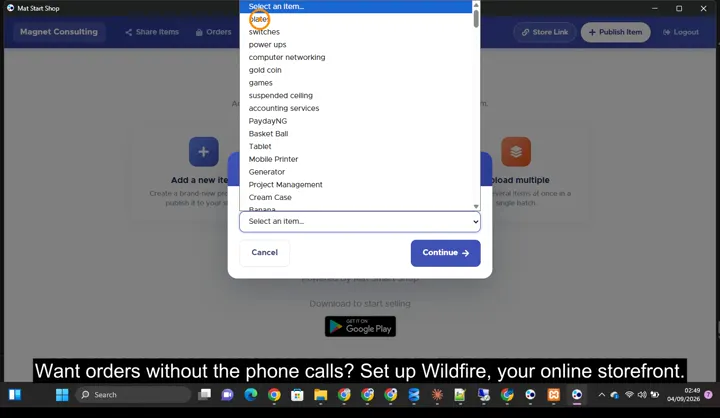 Set up your online store and publish productsSetting up Wildfire: publishing items with photos, delivery fees, online payments and sharing your store link.
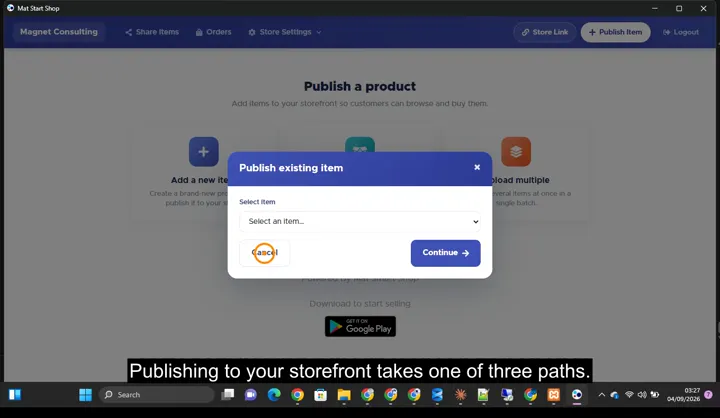 Share one product and manage incoming ordersThe three ways to publish, each item's share link, and taking an order through to an invoice.
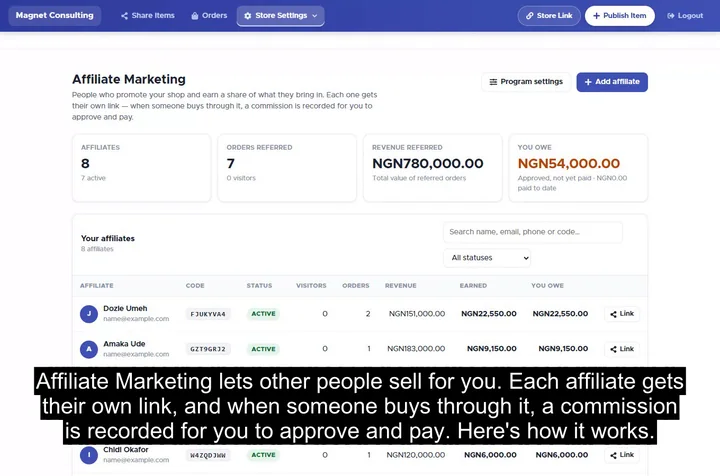 Affiliate Marketing: let others sell for you3:03 · Turning the program on, adding an affiliate and sharing their link, the join page, and approving and paying commission.
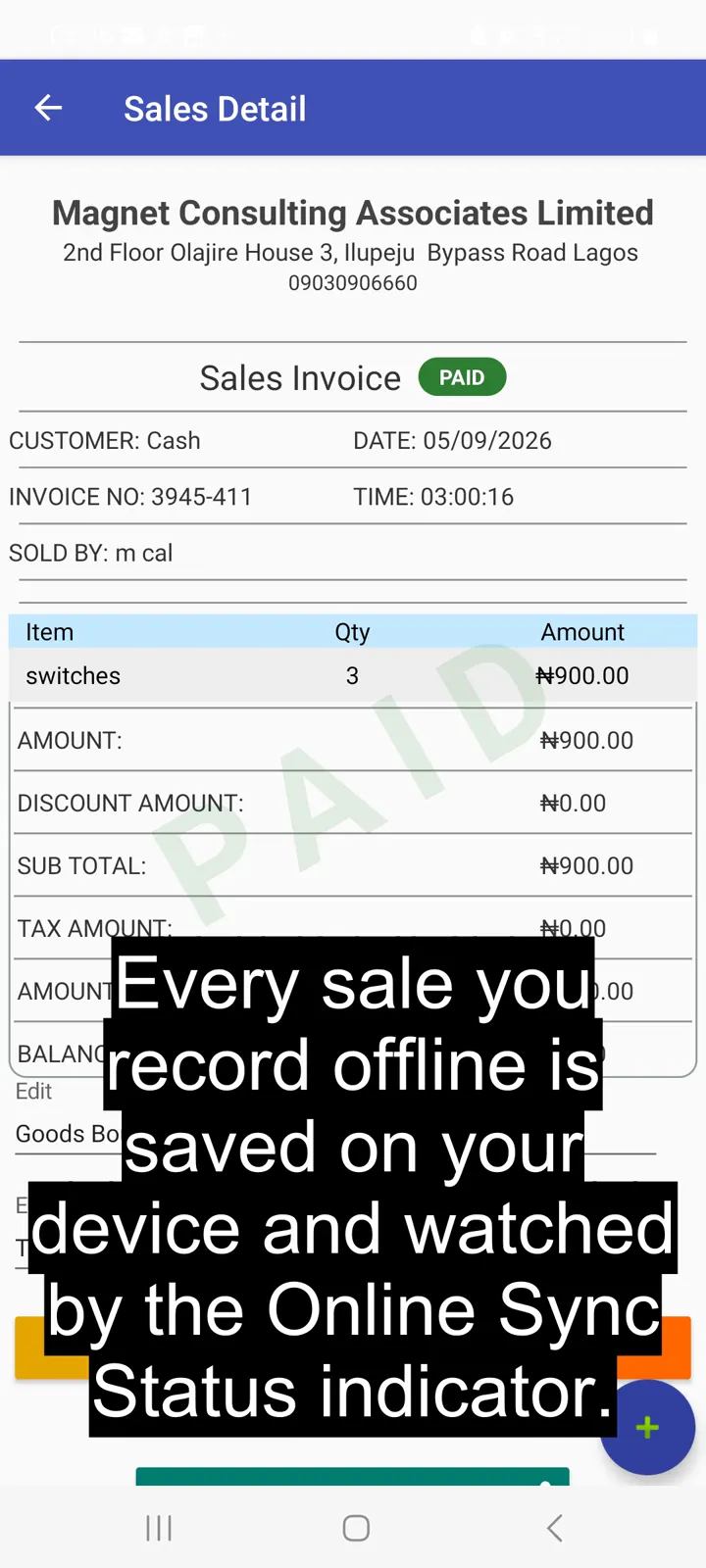 Sell fast with Quick Sell, even offline0:45 · Selling with Quick Sell while offline.
Seasonal sales playbook
 1.1 Sign up on the web or the Android appTwo short steps: your business, then you. No card needed.
 1.2 Confirm your emailThe verification email, signing in, and your dashboard.
 1.3 Know what your plan includesMy Usage: your monthly allowance, your own units, and SMS units.
 2.1 Add your items, with photosOpen Wildfire, accept the seller terms, and publish your hero items.
 2.2 Turn items on for your storefrontMany at once, Share Items, and the stock settings.
 2.3 Connect Paystack or Flutterwave, and WhatsAppBank account, your public payment key, and your order WhatsApp number.
 3.1 Share your store and collect sale alertsStore Link, sharing one item, and Tell me when it's on sale.
 3.2 Buy SMS units and ask for your sender nameBuying units, and asking early for your shop's name on texts.
 3.3 Turn on Affiliate MarketingProgram settings, adding a fan, and sending their link.
 4.1 Pick a dealFive kinds of offer, which items, and what shoppers will pay.
 4.2 Set the dates and the countdownStart and end, limits, the countdown and sale-alert texts.
 4.3 Make coupon codesA code for everyone, and one for each affiliate.
 5.1 Send the offer link and codesShare on WhatsApp, and Text customers.
 Handle orders on the platformWildfire Orders: confirm, contact the customer, convert to invoice.
 5.2 Check the transfer receipt0:47 · Spot a fake alert before the goods leave.
 5.3 Bring buyers back, then run it againThank-you texts, Gone Quiet, and Run again for the next season.
Running more than one shop
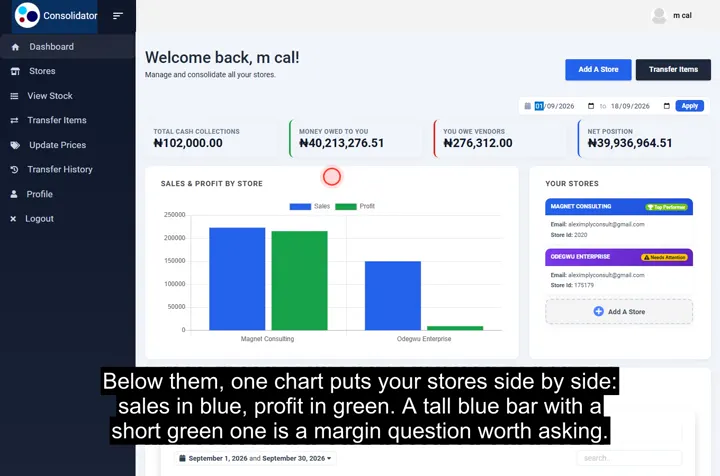 The Consolidator: every store on one dashboard
Point of sale, inventory and bookkeeping for multi-store retailers — online or offline.
SOLUTIONS
CONTACT
2nd Floor Olajire House 3, Ilupeju Bypass Road, Lagos, Nigeria.
info@matsmartshop.com
+234-903 090 6660
+234-909 294 2048 (WhatsApp)
© 2026 Magnet Consulting Associates Limited. All rights reserved.