Stock & purchases
Add a product and track its stock
Creating an item, then its detail page: stock, value, reorder level and full stock history.
Transcript
Adding a product takes one screen.
Enter its name, cost, price and opening stock. Add to List, then Save — repeat for more items.
Click into any item for its detail page — stock, value and reorder level, all at a glance.
A full Stock History logs every purchase, sale, adjustment and transfer — so you know what moved, and when.
Plus a trend chart to see stock levels over time.
More in Stock & purchases
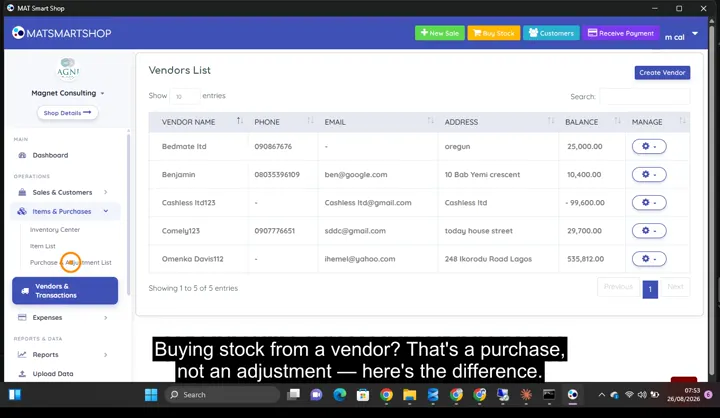 Record a purchase without wrecking your costs0:54 · Recording a purchase — vendor, quantity and cost in one entry.
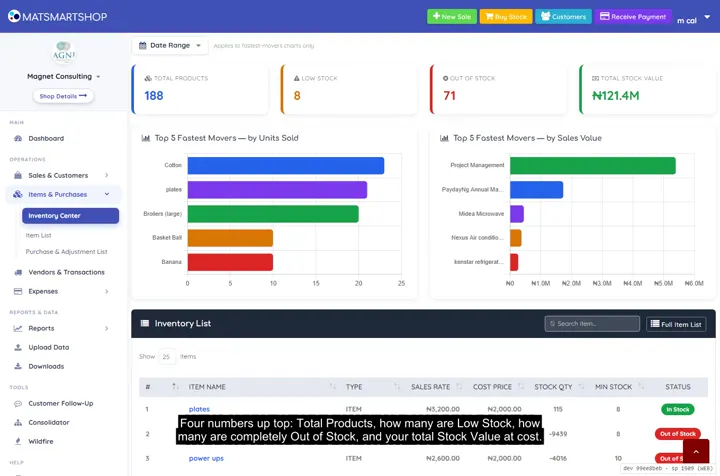 Inventory Center and Item Detail, in depth2:01 · Stat cards, fastest movers, searching the catalogue, and one item's full stock history.
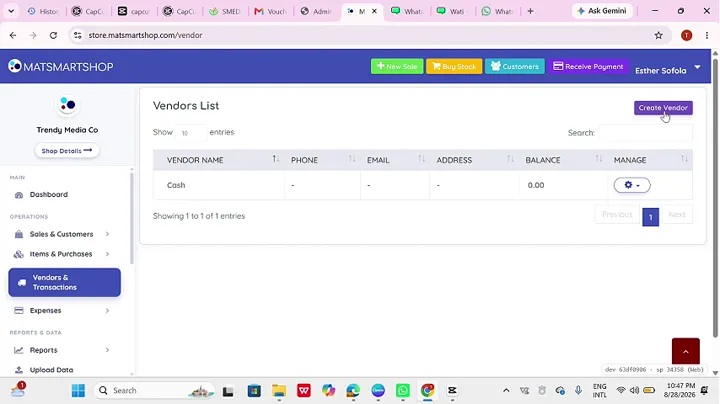 Track vendors and record expenses1:32 · Creating a vendor and recording a purchase against them.
Point of sale, inventory and bookkeeping for multi-store retailers — online or offline.
SOLUTIONS
CONTACT
2nd Floor Olajire House 3, Ilupeju Bypass Road, Lagos, Nigeria.
info@matsmartshop.com
+234-903 090 6660
+234-909 294 2048 (WhatsApp)
© 2026 Magnet Consulting Associates Limited. All rights reserved.