Inventory Center and Item Detail, in depth
Stat cards, fastest movers, searching the catalogue, and one item's full stock history.
Transcript
Inventory Center is where your whole catalogue lives at a glance — and where one click takes you deep into any single item.
Four numbers up top: Total Products, how many are Low Stock, how many are completely Out of Stock, and your total Stock Value at cost.
Charts below track stock levels and your fastest movers, filterable to any date range if you want last week's picture instead of today's.
The table underneath lists every item — search by name to jump straight to the one you want.
Click any item's name — not the gear-menu shortcut, the name itself — and you land on its full Item Detail page.
Current Stock, Reorder Level, Sales Price, Stock Value at cost, and Retail Value — everything you'd need to know about this one item, in five numbers.
Stock History logs every single movement — purchases in, sales out, adjustments — each one with a running balance, so you can trace exactly how it got to today's count.
Sales and Orders shows Total Sold and its value, with a link straight through to the sales records behind those numbers.
The Stock Level Trend chart plots quantity over time — a slow bleed, a seasonal spike, or a flat line telling you this item just isn't moving.
View Purchases jumps to this item's buying history, Print gives you a hard copy of the page, and Edit is right at the top whenever a detail needs correcting.
From the whole catalogue down to one item's full history — that's Inventory Center.
More in Stock & purchases
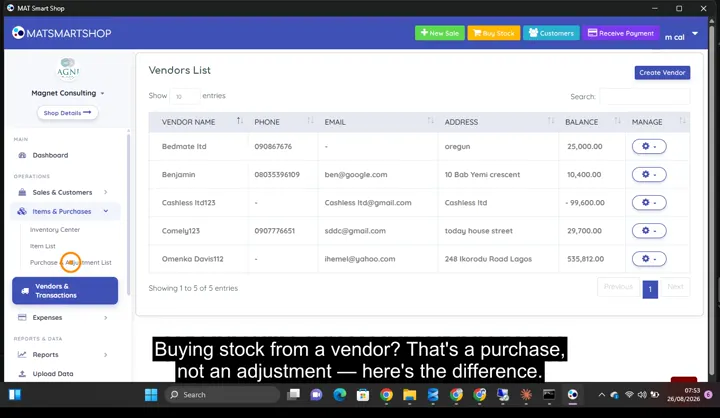 Record a purchase without wrecking your costs0:54 · Recording a purchase — vendor, quantity and cost in one entry.
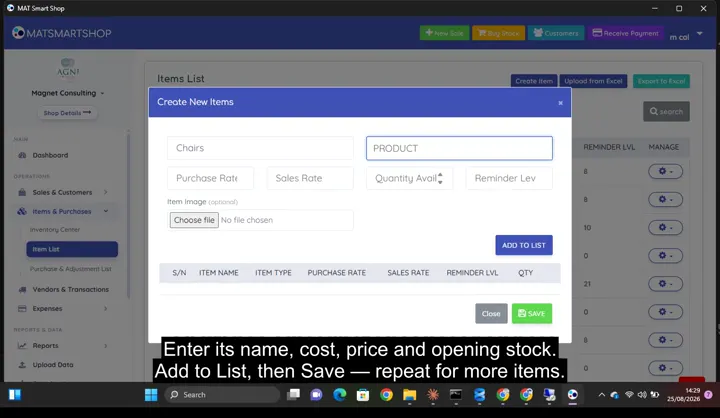 Add a product and track its stock0:50 · Creating an item, then its detail page: stock, value, reorder level and full stock history.
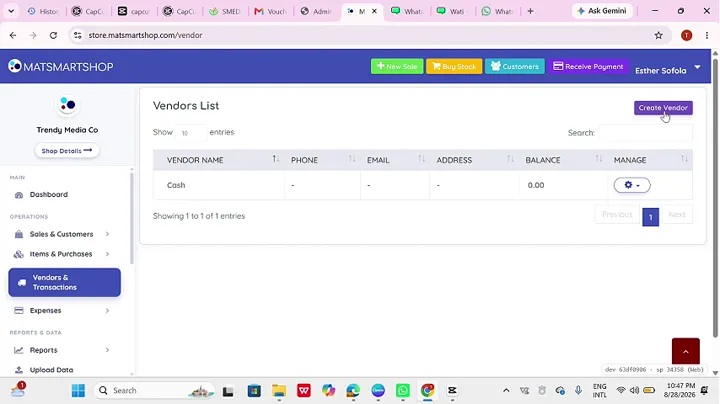 Track vendors and record expenses1:32 · Creating a vendor and recording a purchase against them.
Point of sale, inventory and bookkeeping for multi-store retailers — online or offline.